Spatial Planning
Assess room dimensions, natural light sources, and traffic flow before selecting furniture. A measured approach reduces the need for costly rearrangements later.
Dynamflush publishes general informational guides on desk arrangement, seating options, and equipment placement. We are an educational publisher — not a medical provider, clinic, or product retailer.
Foundation Principles
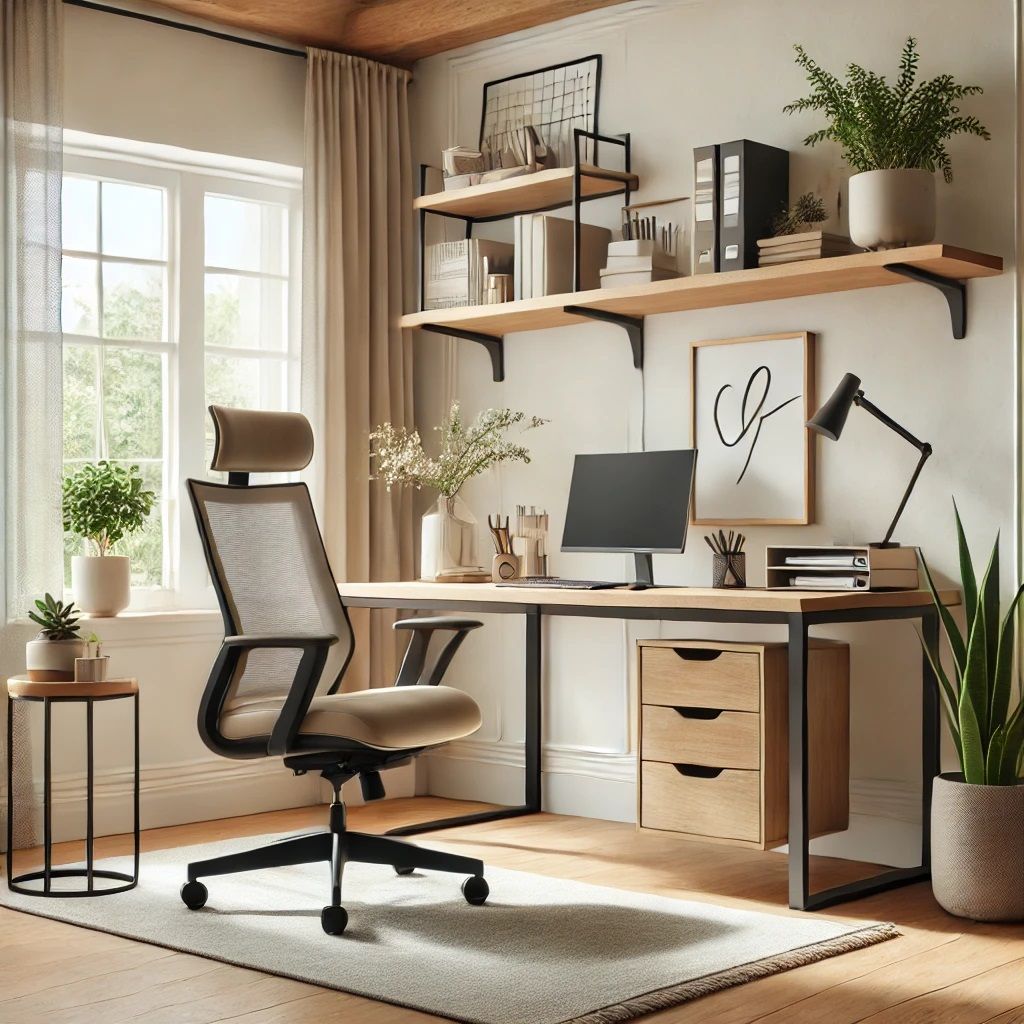
Thoughtful home office design begins with understanding how furniture placement, equipment selection, and daily habits interact within your available space.
Assess room dimensions, natural light sources, and traffic flow before selecting furniture. A measured approach reduces the need for costly rearrangements later.
Chairs with adjustable height, lumbar support, and seat depth options accommodate a wider range of body types and working preferences throughout the day.
Monitor height and distance affect how you orient your head during screen work. Many guides suggest placing the top edge near eye level when seated in a neutral position.
Workspace Assessment
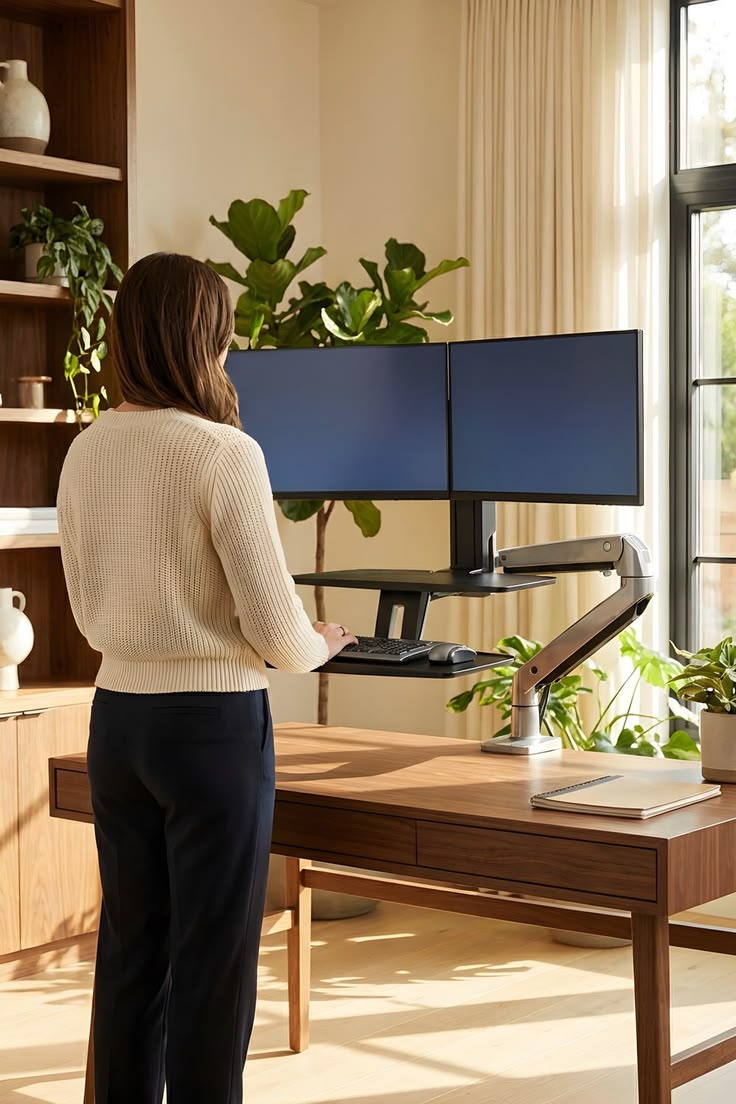
Many remote workers adapt gradually to improvised arrangements without reviewing how desk height, screen position, and seating interact. A structured self-assessment helps identify practical layout adjustments worth considering.
Step-by-Step Approach
Follow a logical sequence when refining your home office. Each stage builds on the previous one.
Stage 01
Photograph your existing setup from multiple angles. Record desk dimensions, chair settings, and equipment models for reference during planning.
Stage 02
Rank changes by impact and cost. Simple modifications such as monitor risers or footrests often precede larger investments like new desks or chairs.
Stage 03
Apply one change at a time and work with the new arrangement for several days. Note any differences in comfort, concentration, or fatigue levels.
Stage 04
Workspace needs evolve with projects, seasons, and equipment upgrades. Schedule quarterly reviews to maintain an environment suited to your current workflow.
Featured Resources
A comprehensive walkthrough covering desk selection, cable management, acoustic considerations, and accessory placement for productive home workspaces.
Read GuideUnderstand neutral seated positions, movement breaks, and chair adjustment techniques for extended computer use.
Read GuideRequest educational consulting on workspace planning tailored to your room layout and equipment budget.
Contact UsNatural and artificial lighting significantly affect visual comfort during screen-based work. Position desks perpendicular to windows to reduce glare, and supplement with adjustable task lighting for evening sessions.
About Us
Dynamflush is an Australian educational publisher based at 236 Bourke St, Melbourne VIC 3000. We create written guides about home office layout, desk configuration, and seated work habits for remote professionals.
Our team researches publicly available workspace design principles and presents them in plain language. We do not provide clinical services, sell furniture, or represent any equipment manufacturer.
Business name: Dynamflush
Location: Melbourne, Victoria, Australia
Service type: Educational consulting and published guides
Phone: +61 3 9660 4900
Email: touch@dynamflush.world
Reference Points
The following figures appear frequently in general ergonomics literature. They are reference starting points only — not personalised recommendations for your situation.
60–80 cm
Typical desk depth range cited for home workstations
Arm's length
General screen distance reference in setup guides
Eye level
Monitor top edge often placed near seated eye height
Regular pauses
Brief standing or walking breaks during long desk sessions
Popular Topics
These are common subjects covered in our published guides. Reading them does not create a client relationship or imply any specific outcome.
Guides on raising screens to reduce upward or downward head tilt during desk work, using risers or adjustable arms.
Practical methods for routing cords, clearing work surfaces, and maintaining an orderly workstation layout.
Information on using timers or reminders to alternate between seated and standing positions throughout the workday.
Common Questions
Contact our Melbourne team for general information about home office layout. We typically respond within two business days.